Services
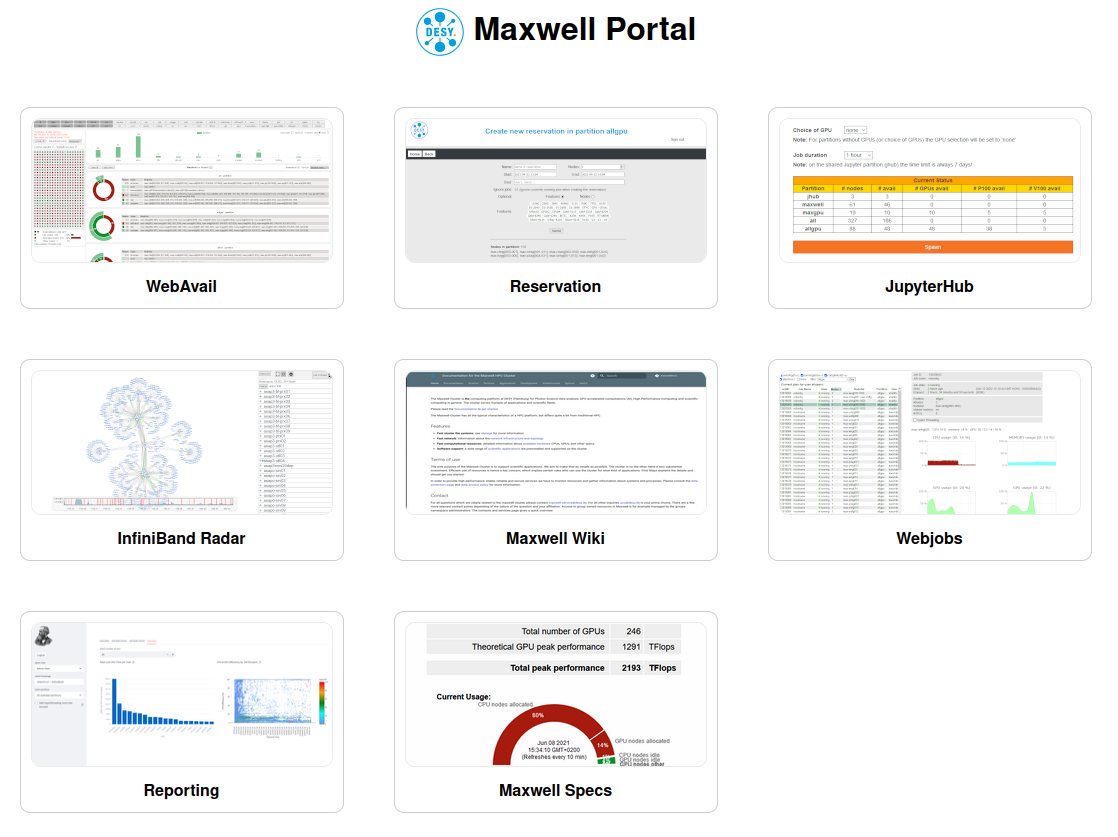
We have implemented a number of services around the maxwell cluster. The services are directly accessible through the Maxwell Portal, which is currently not accessible from outside the DESY network. The snapshots below will get you to the corresponding service, the titles to the documentation (where available).
List of Services
- SLURM REST API: a SLURM REST API daemon is running on max-portal. Work in progress.
- SLURM Reservation tool: a web-service to delegate node reservations to authorized accounts. Also provides a REST API. Requires DESY credentials and authorization. Work in progress.
- Webavail: a responsive web-service about Maxwell utilization. Work in progress.
- JupyterHub: the Maxwell jupyterHub service. Requires DESY credentials and one of the Maxwell resources.
- Infiniband radar: service to visualize and monitor the infiniband infrastructure. Not accessible for Maxwell users.
- Monitoring: grafana dashboards for node utilization. Requires DESY credentials.
Many of the services are reachable through the Maxwell Portal. Except for the jupyterhun, the services can only be accessed from inside the DESY-network (or eduvpn). See below for a snapshot
Monitoring and Reporting
webjobs
the grafana dashboards provides a view on particular nodes, which is ok when running a single single-node jobs. webjobs provides a much better, job-oriented view on resource utilization. It gives a quick view on your recent or running jobs, also displaying the GPU usage for each GPU allocated by a job.
jobreport
jobreport is a post-job companion to webjobs. It fetches the same metrics, plus some figures for power consumption and i/o. The report can be saved and display in various formats.
/software/tools/bin/jobreport -h
usage: sjobreport [-h] -j jobid [-f fmt] [-o file] [-c cores] [-s] [-e] [-d]

Create a job report for Slurm batch jobs.

optional arguments:
  --help,    -h        show this help message and exit
  --jobid,   -j jobid  Slurm job ID
  --format,  -f fmt    output format: pdf (default), html, txt, json
  --output,  -o file   output filename (default: <jobid>_<user>.<fmt>); use "-" for stdout
  --cores,   -c cores  cpu core counting: physical (default, x2 scale) or all
  --script,  -s        fetch and embed the job script (via sacct -B)
  --detail,  -e        show per-GPU breakdown in usage statistics
  --display, -d        open the output file with xdg-open after creation
By default, jobreport assumes that a job using all physical cores is 100% efficient. Using --cores all will consider logical (hyperthreaded) cpu cores as well. A job using all physical cores (but none of the logical cores) will get a 50% efficiency when using this option.
max-portal